All  (0)
No images generated yet.
Loading ...

Coloring Page Edit Tools

Erase, add text, remove objects, upscale, vectorize, and colorize — all in one place.

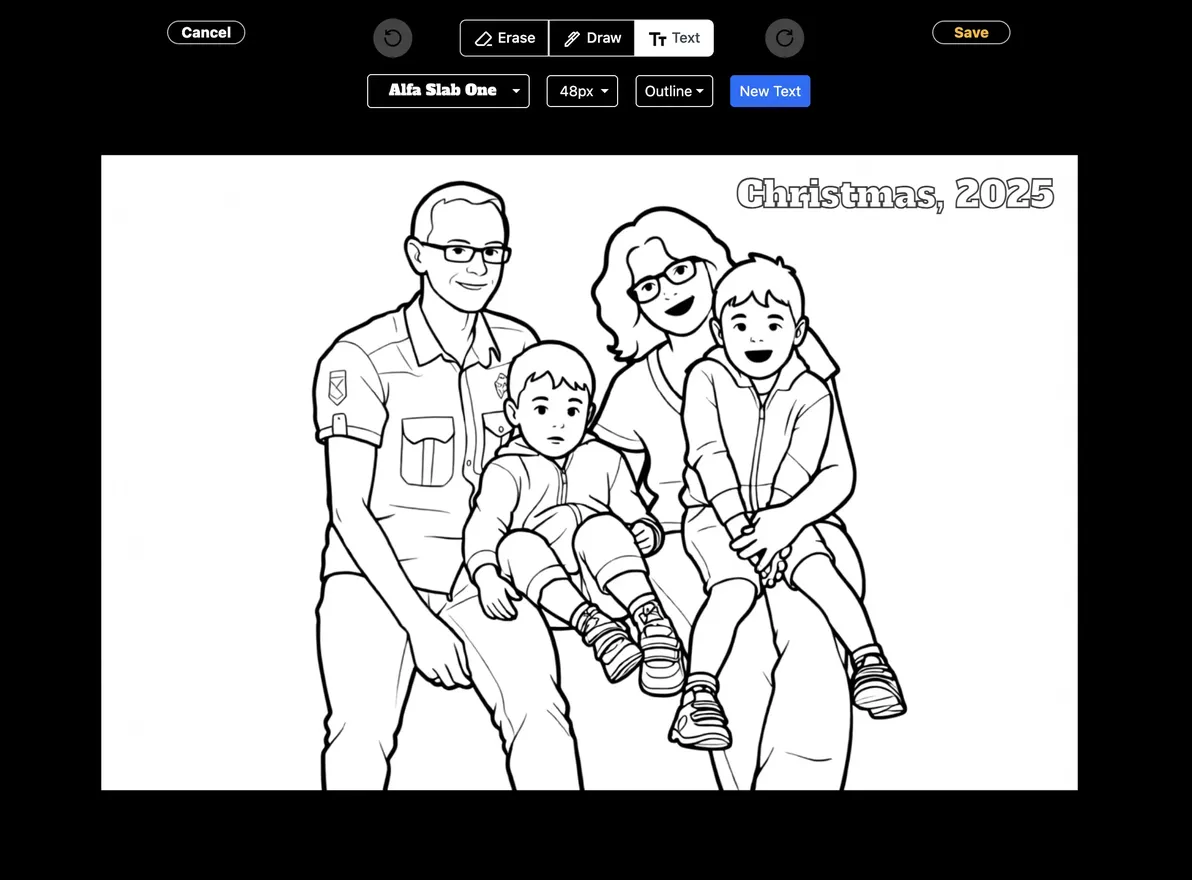
Coloring Page Editor

Erase, draw and add text.
Screenshot of the coloring page editor
Launch editor →

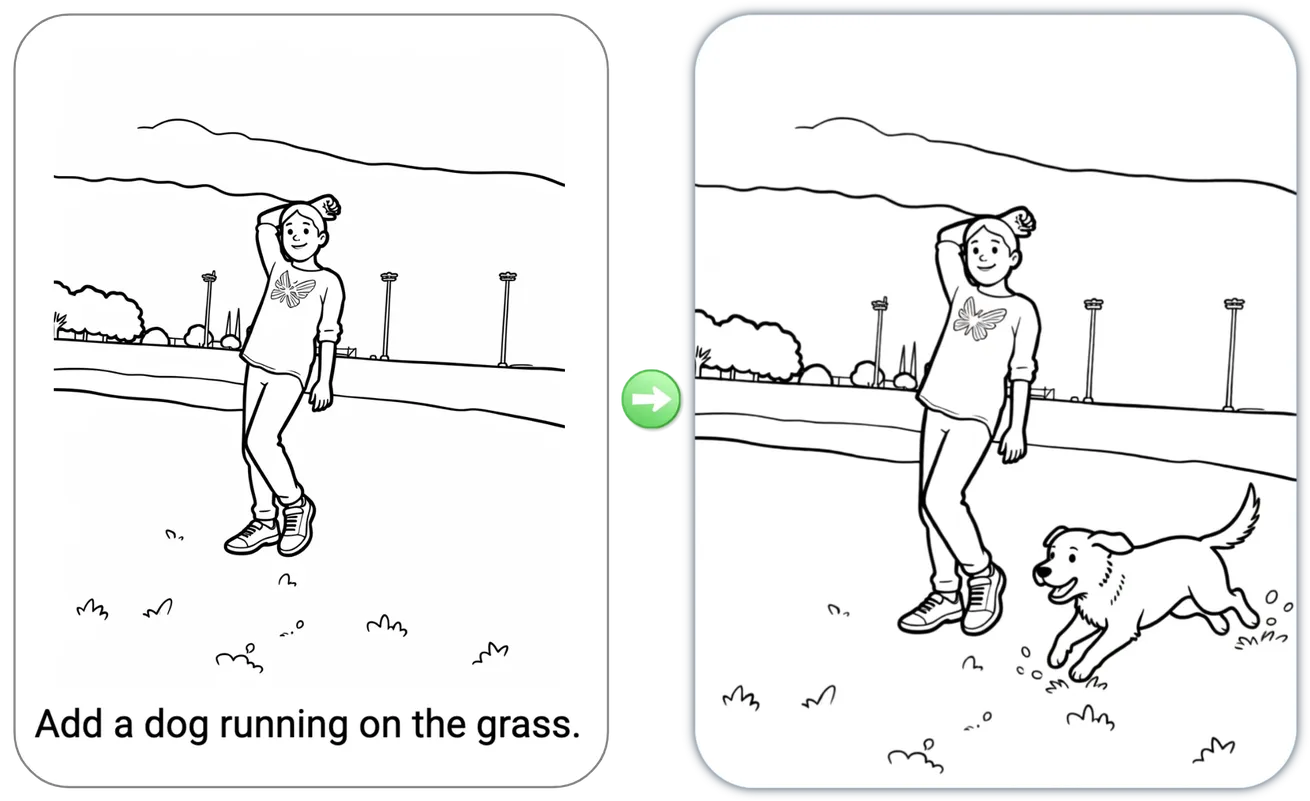
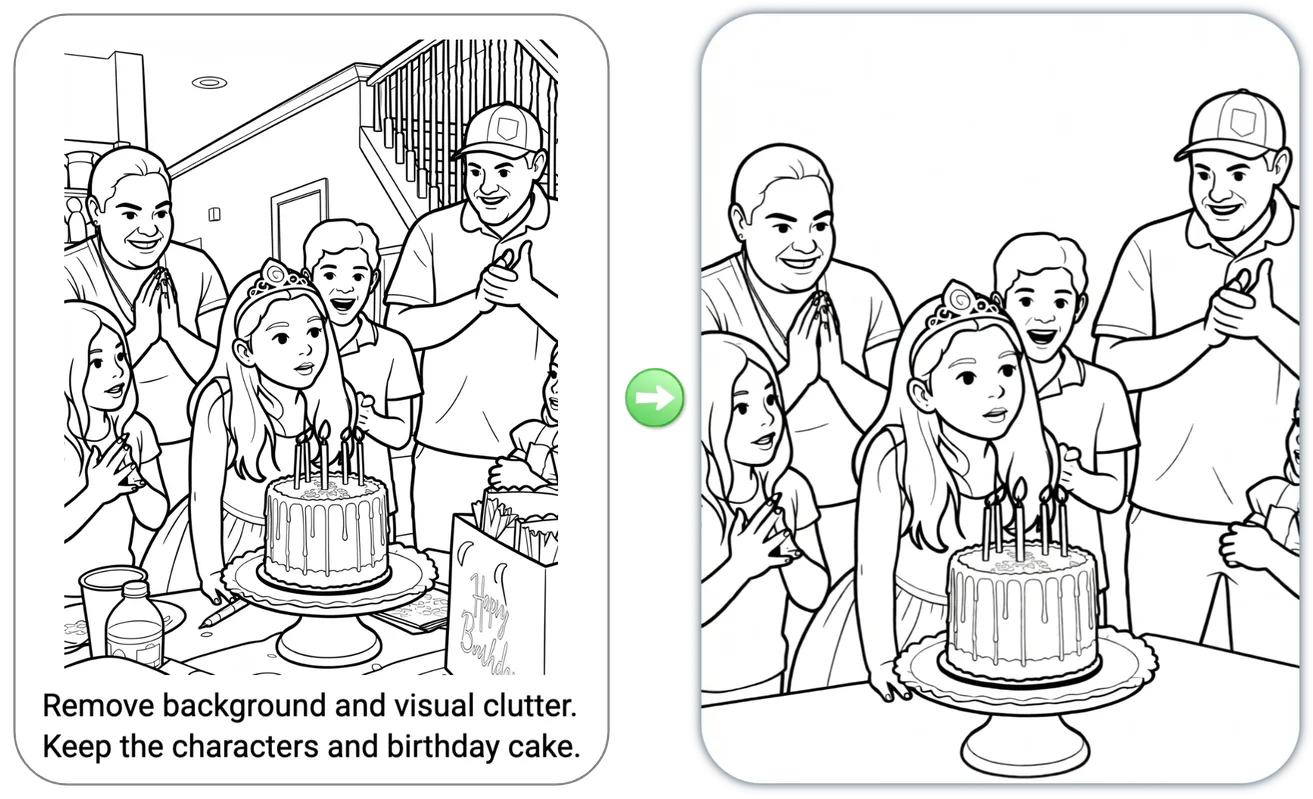
Edit by Asking

Editing pictures is as easy as saying what you want.
Coloring page edit by asking: a dog added to the scene. Coloring page edit by asking: background and visual clutter moved.
Edit by asking →

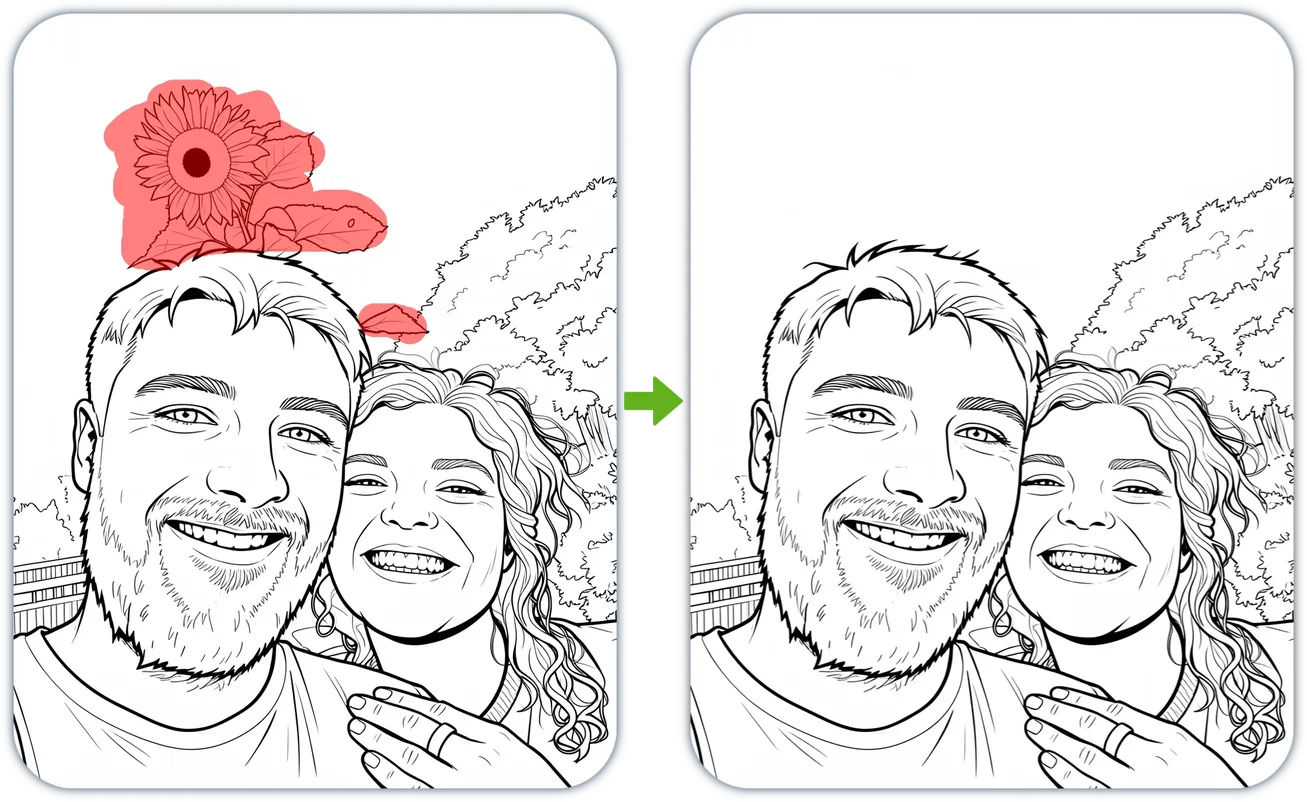
Magic Eraser

Remove unwanted elements, whether people, objects, or anything else.
Before and after example of an unwanted object removed from a picture
Magic eraser →

Magic Fill

Add or replace objects at selected area.
Coloring page before/after showing a bunny added via Magic Fill
Magic fill →

Upscale to High Resolution

Enhance your page to high resolution with exceptional detail and accuracy.

Upscaled coloring page
Original HD Upscaled ✦
Upscale →

Vectorize to PDF/SVG

Convert images to crisp, scalable SVG or PDF — perfect for printing, laser engraving, and design.
PNG · Raster
SVG · Vector
🔍
1.0×
Vectorize →

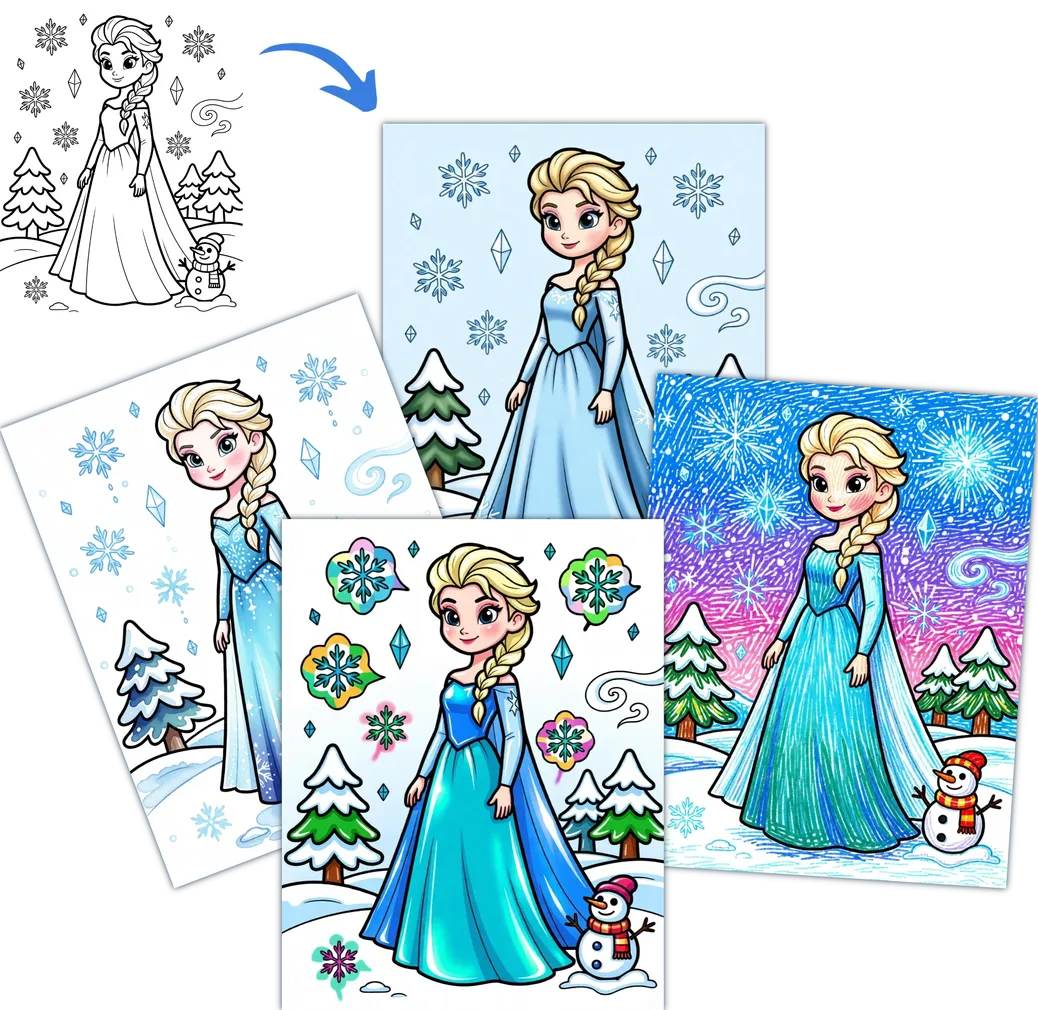
Color It

Turn your black-and-white page into a beautifully colored piece of art.
Coloring page before and after: line art princess illustration colored in four different styles with snowy winter theme
Color it →

Clean Up Scanned Page

Clean up scanned pages, straighten, and correct distortions for a crisp, professional result.
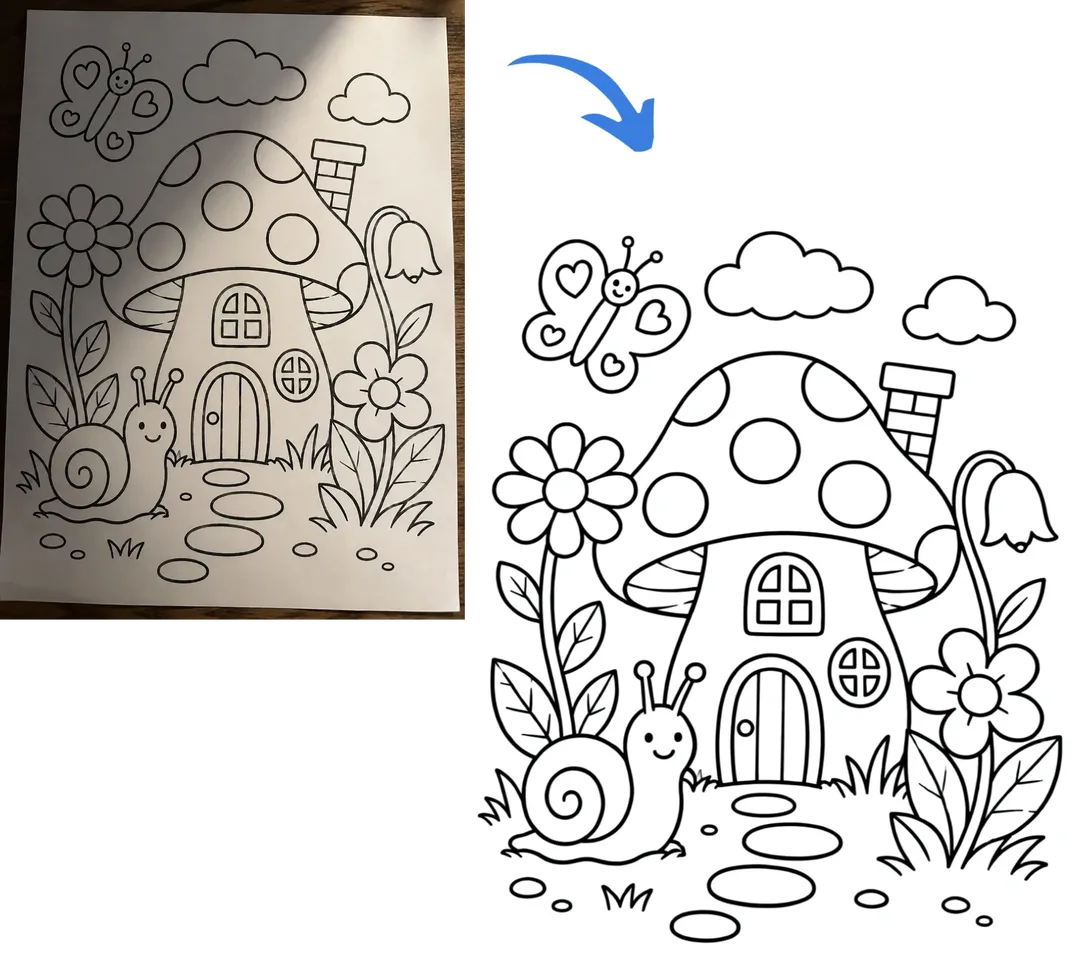
Photo to clean line art conversion of a mushroom house coloring page
Clean up →